
A redesign is a chance to fix everything that’s wrong with your website. It’s also the easiest way to lose what was quietly working: pages Google knows, links other sites point to, and the enquiry form nobody remembered to test.
Use this checklist to keep the good parts and fix the rest. It’s written for small business websites, whoever does the redesign.
Before you start
- Write down what the site is for. Calls, enquiries, bookings, sales. One main job, two at most.
- List every page you have now. Your sitemap (usually at /sitemap.xml) or Google Search Console will show them. Give each one a plan: keep, merge, rewrite or remove.
- Find the pages that bring people in. Search Console shows which pages get clicks from Google. Protect those.
- Check who owns your domain and hosting. Make sure the domain is in your name and you can log in.
- Gather what’s needed. Your logo, photos of your own work, current prices, opening hours, and the questions customers ask most.
- Decide what success looks like. More enquiries from the form, say, or fewer calls asking for your opening hours.
While it’s being built
- Plan pages around what customers need to do. What are they looking for, and what should they do next?
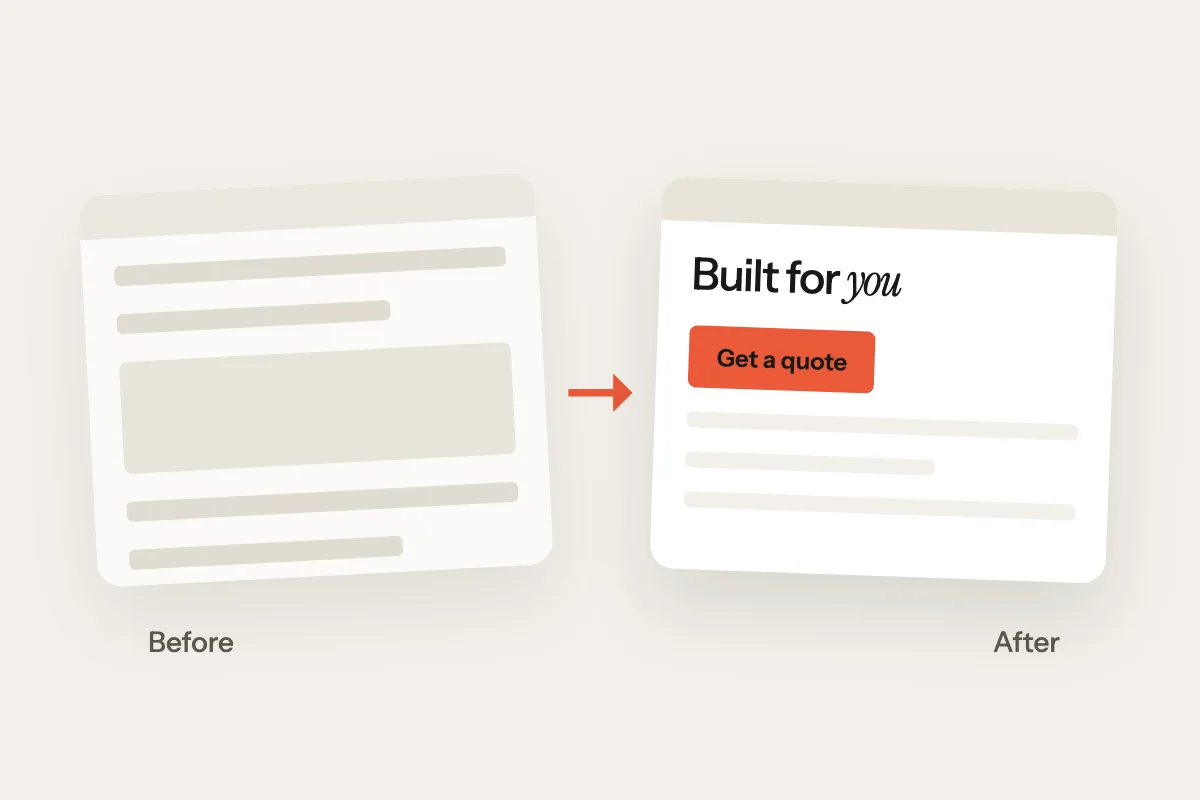
- Put the main action on the first screen. A quote form, a booking button or your email address, whichever matters most.
- Write a title and description for every page. Each one says what the page is and, for a local business, where you are.
- Link pages to each other. Services link to related services, and every page points to the next step. We’ve written about internal linking.
- Check every page on a phone first. Many of your visitors will arrive on one.
- Keep it fast. Compress images, and leave out add-ons you don’t need.
- Make it accessible. Readable text, clear contrast, and a site that works with a keyboard and a screen reader.
On launch day
- Redirect every old address. Each old page should send visitors and Google to its new equivalent with a permanent (301) redirect. This is the step that protects your search rankings.
- Test every form. Send a real enquiry and check that it arrives, and that the sender gets a reply.
- Check every page on a phone again. Menus, buttons, forms and links.
- Submit the new sitemap in Google Search Console.
- Check your analytics. Visits and enquiries should be recorded from day one. If you show a cookie banner, check tracking respects it.
- Update your Google Business Profile if your website address, services or hours have changed.
In the weeks after
- Watch Search Console for pages that can’t be found, and fix any redirects you missed.
- Compare enquiries with the goal you set before you started.
- Ask a few customers to use the site and tell you what confused them.
Or have someone check it for you
If you’d like a quick health check before you start, run a free website review: it scores your current site in about a minute and lists what to fix first. And when we redesign a site, every step above is part of the job.